
Beautiful PDFs
Add your logo, business details, terms, payment instructions, and client-ready formatting.
Private invoice workbench for iPhone and iPad
QuoteProof turns quotes into paid work - fast, private, and entirely on your device. Build a clean PDF invoice or estimate in under a minute, send it to your client, and track the job from first quote to final payment.
Send estimates, record client sign-off, and keep a locked PDF snapshot of exactly what was agreed.
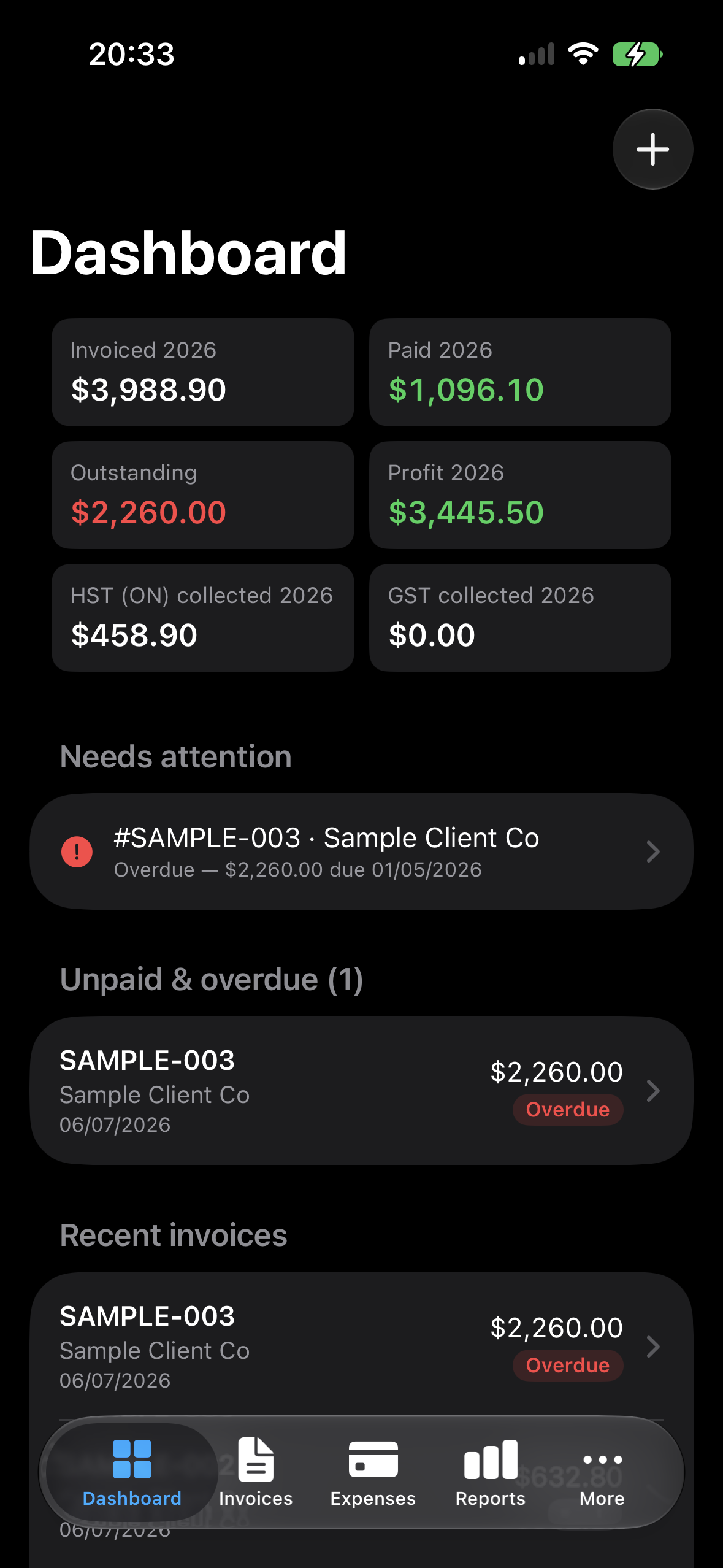
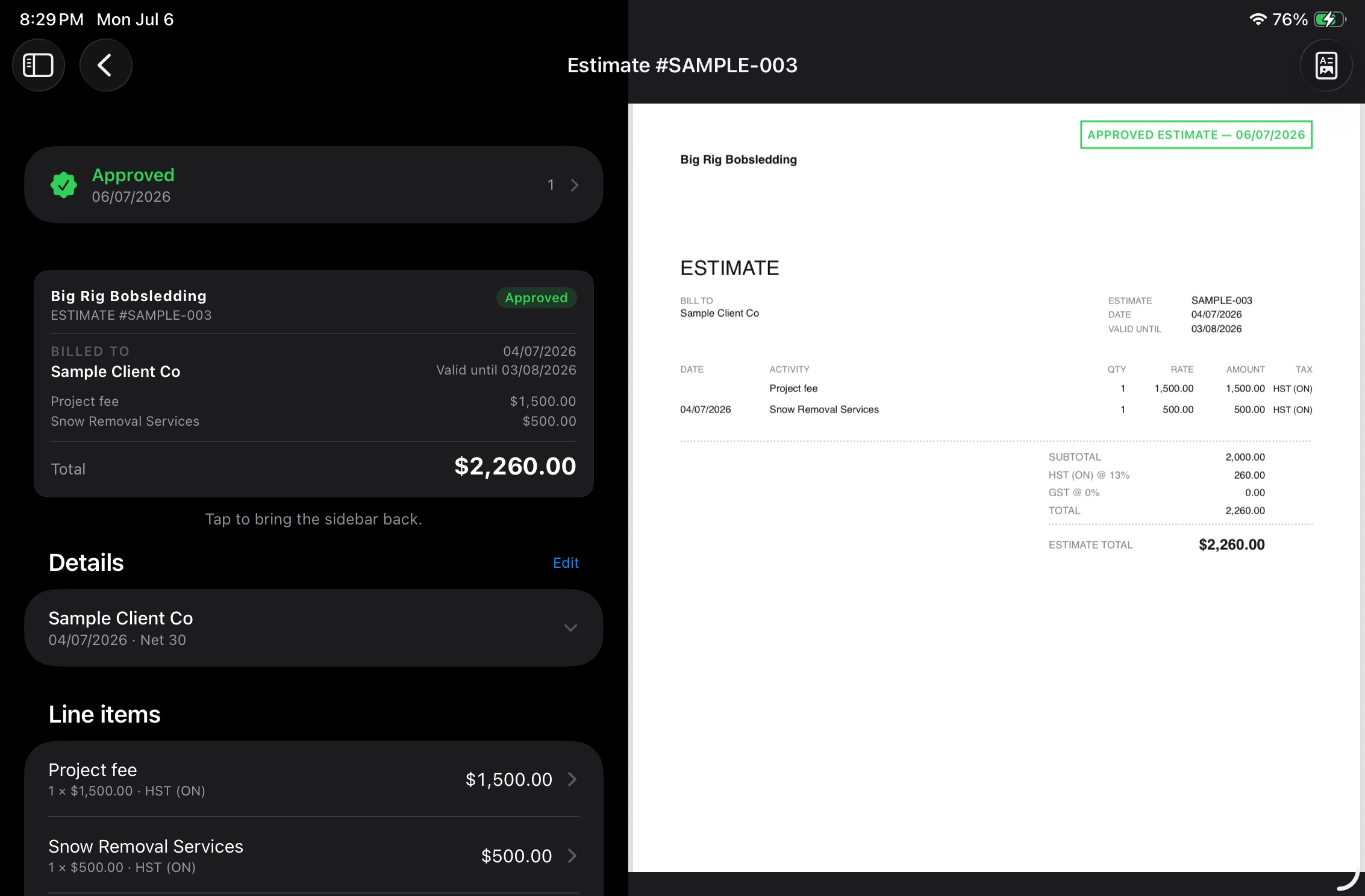
Record the approval date, a note, and a photo of the approval. If an approved estimate changes later, QuoteProof flags it so the record stays clear.
Professional PDFs with the details your clients expect and the flexibility your business needs.
Add your logo, business details, terms, payment instructions, and client-ready formatting.
Use discounts, multiple tax rates, state and local tax, HST/GST, or another currency per invoice.
Organize work into days, phases, or parts for multi-day jobs, service calls, production work, and projects.
Optional labor calculator support helps with overtime, breaks, and the billing rules that can slow teams down.
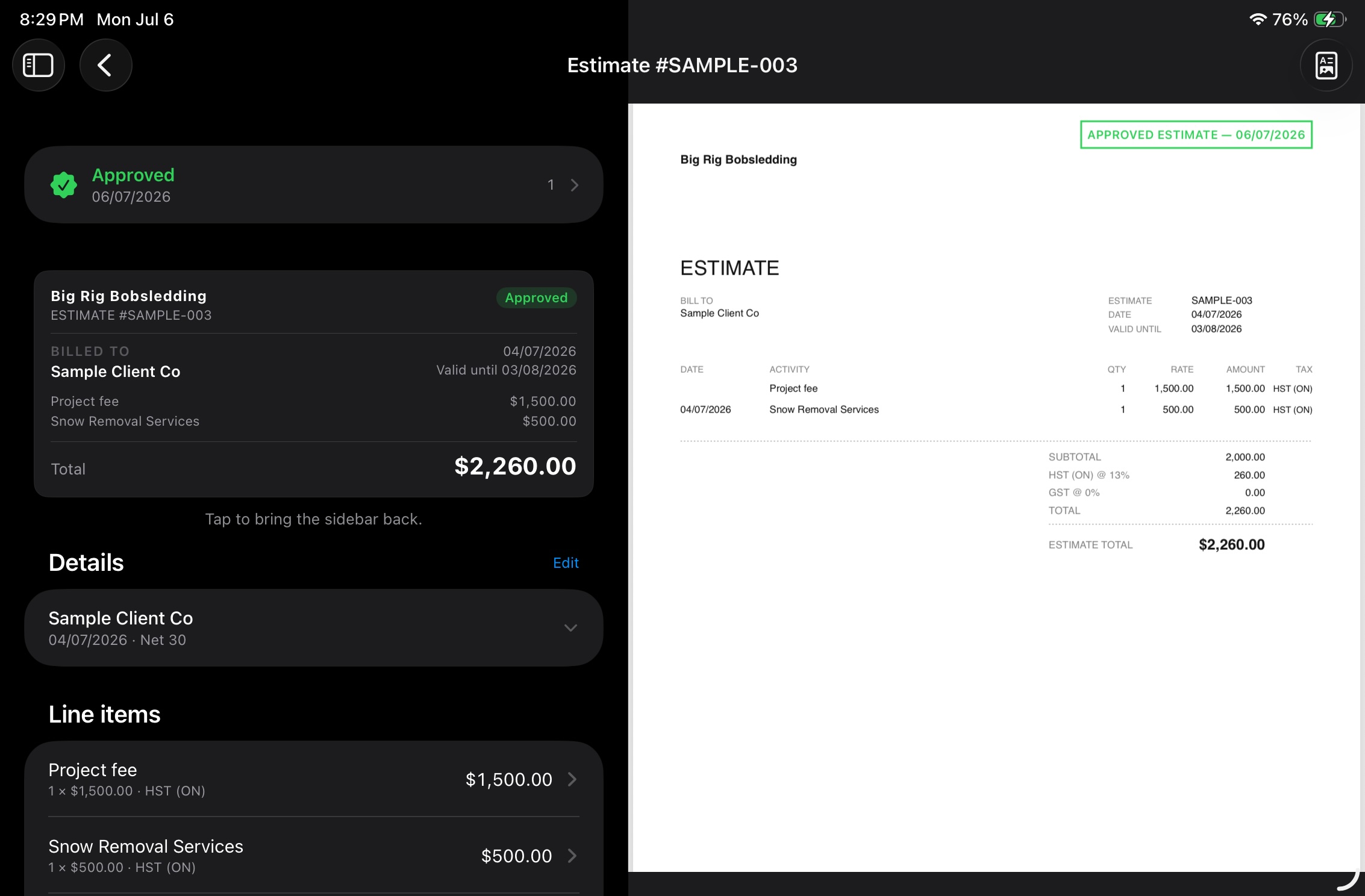
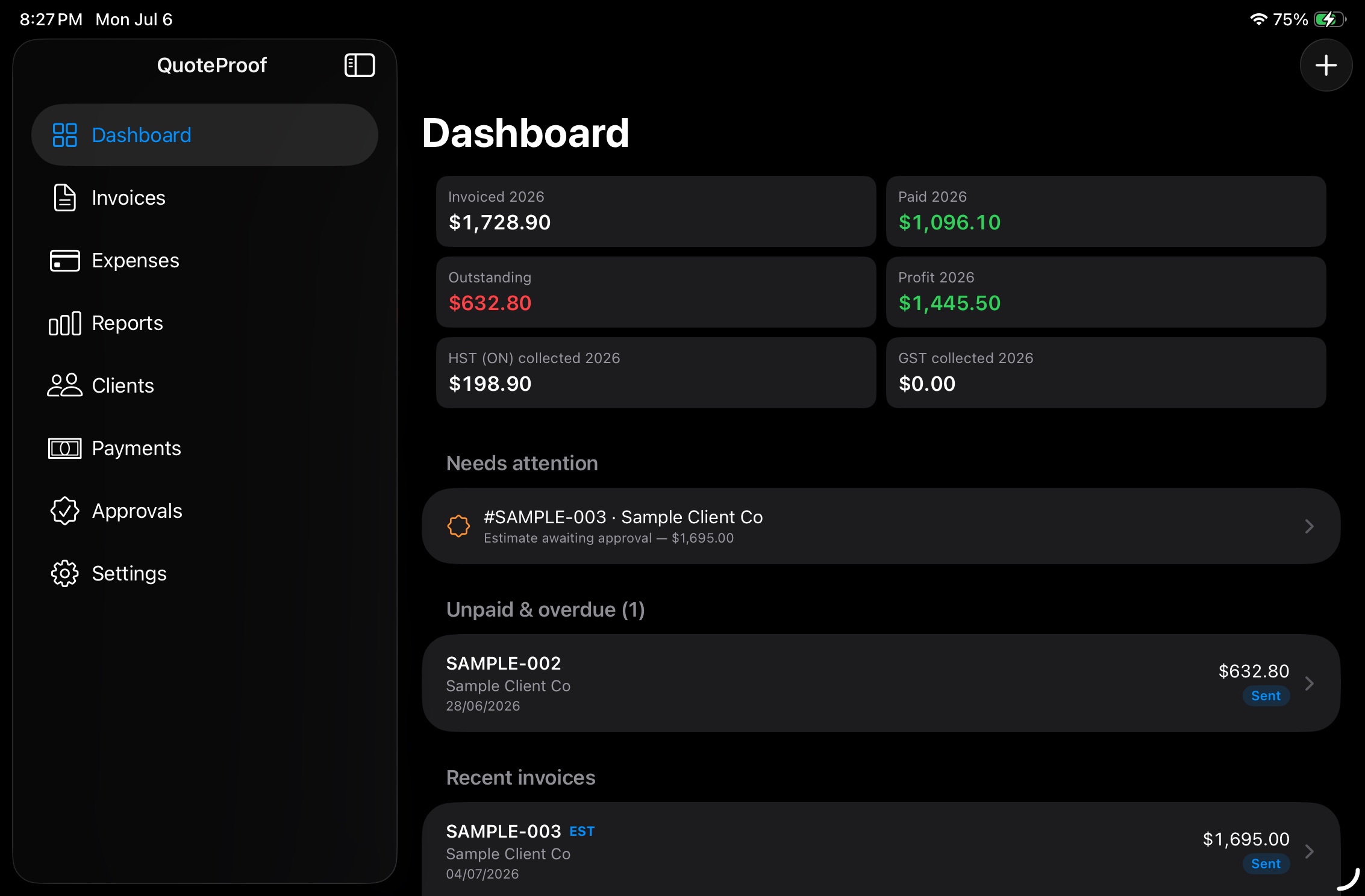
From quote to payment
QuoteProof keeps invoices, line items, approvals, payment status, and PDF previews together, so you always know what was sent, what was agreed, and what is still owed.
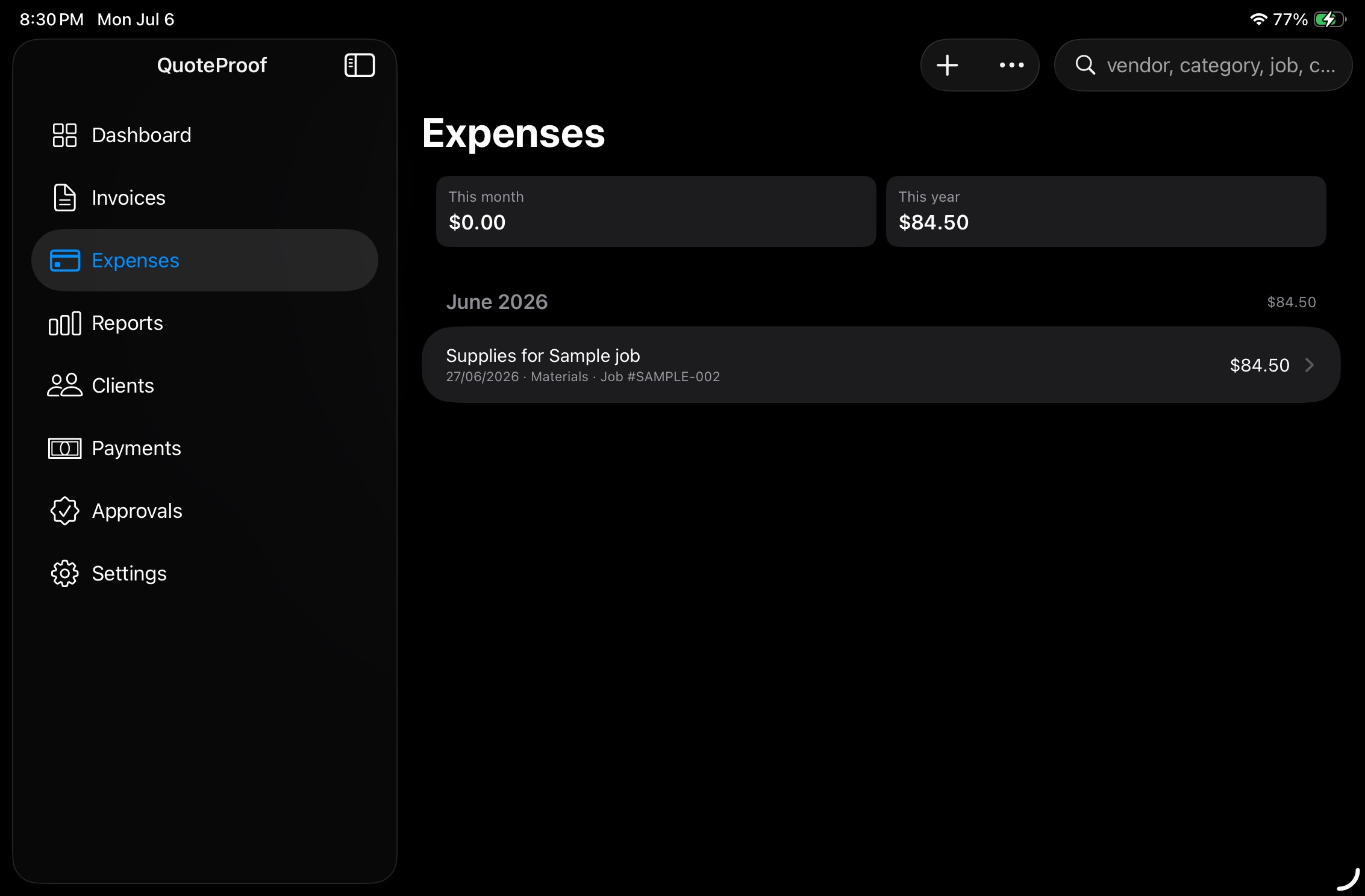
Snap receipts, attach documents, and tie costs back to the work that created them.
On-device scanning fills in vendor, date, and total. Attach photos or PDFs, keep them internal, or print them with the invoice when the client needs backup.
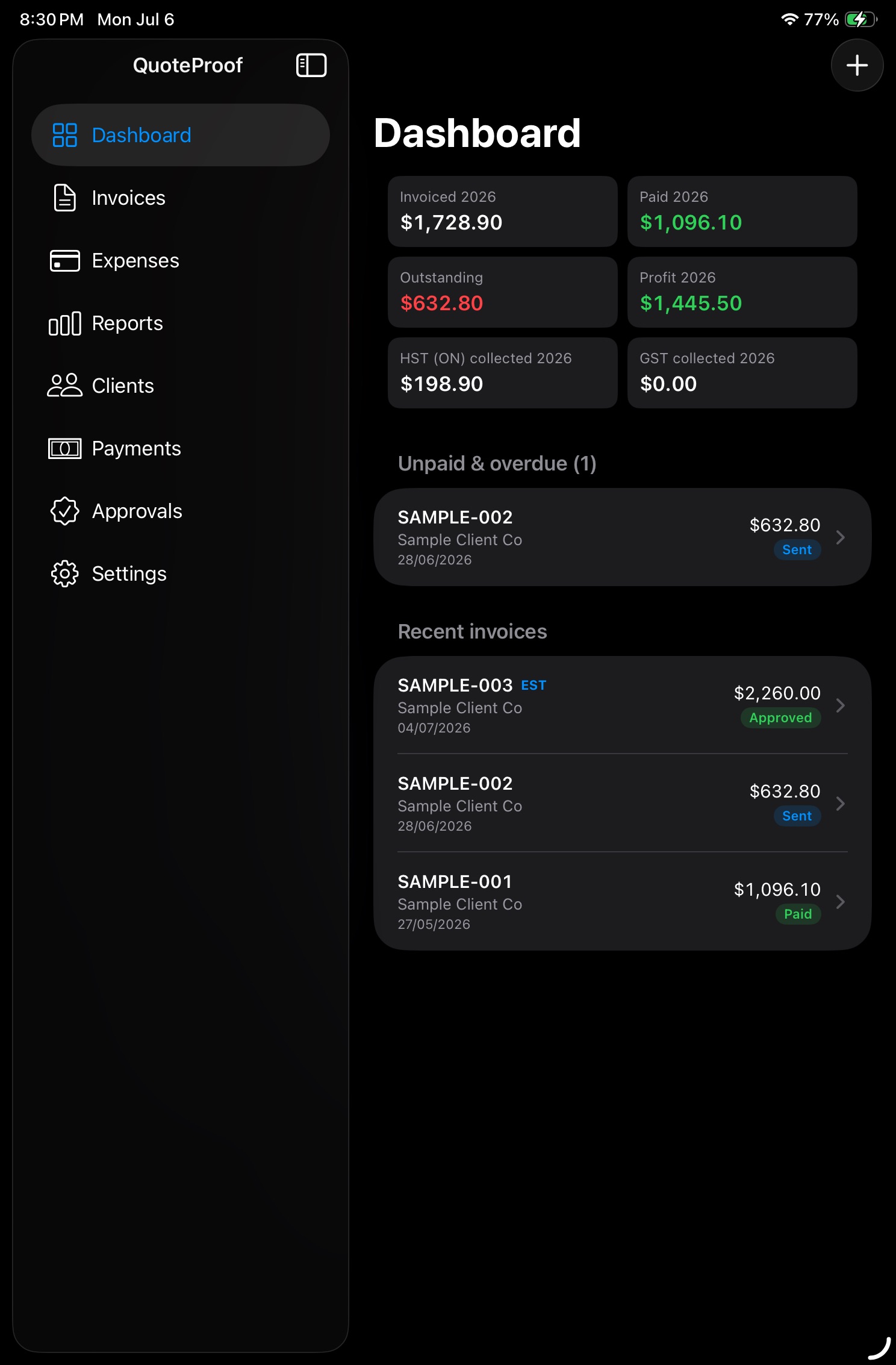
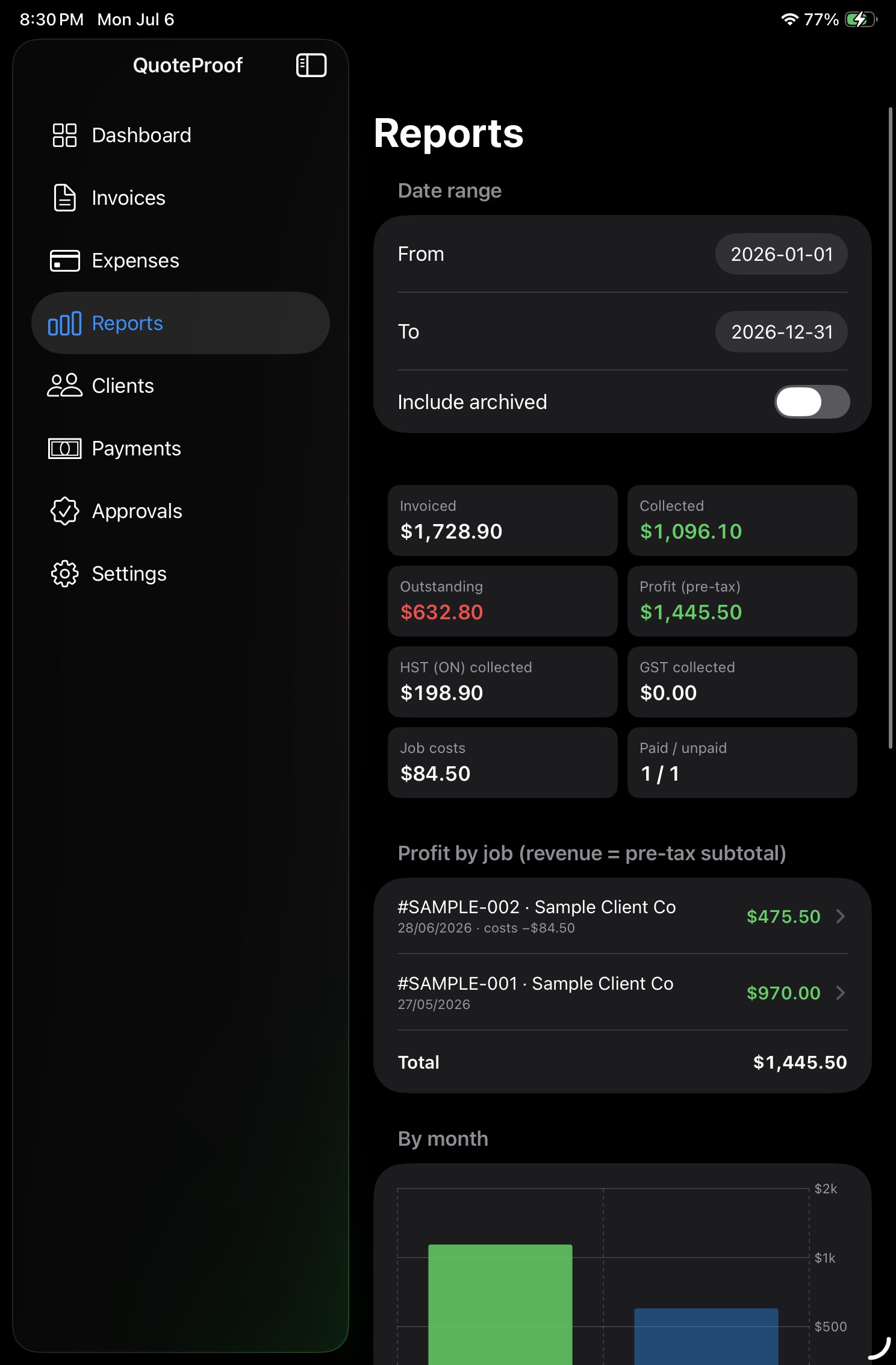
Track balances, overdue work, statements, CSVs, tax summaries, and the reports that matter at filing time.
Record payments, track balances, and see what is overdue at a glance.
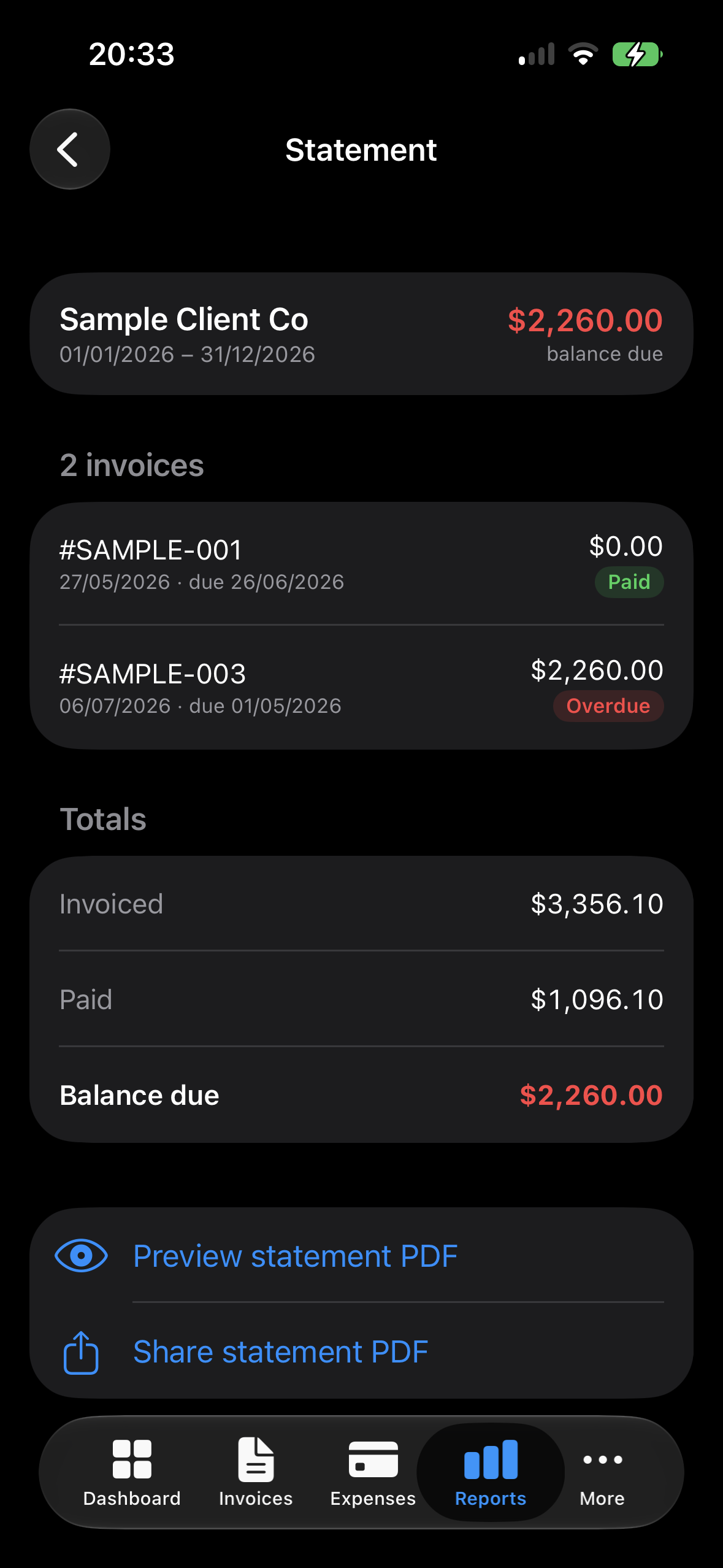
Create statements of account for any client and preview the PDF before sharing.
Charts for invoiced, collected, overdue, and tax summaries keep filing work closer to done.
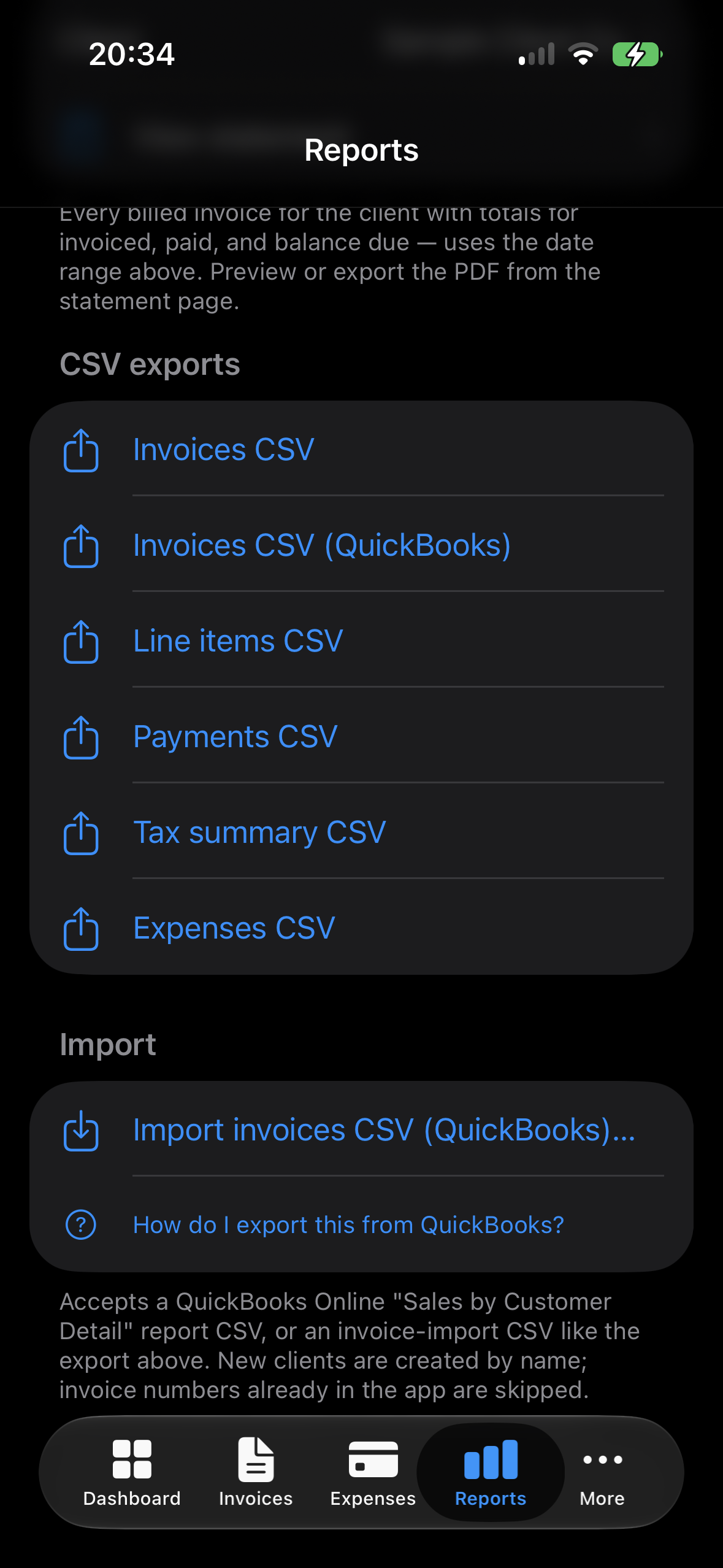
Use QuickBooks CSV import and export, plus full JSON backup and restore.
QuoteProof syncs across iPhone and iPad with iCloud, locks behind Face ID, and can be renamed around your trade, market, or workflow.
QuoteProof keeps your entire financial record on your devices and in your private iCloud - yours, and no one else's. There is no account to create and no data handed to a middleman.